Utilizing the Python Interpreter
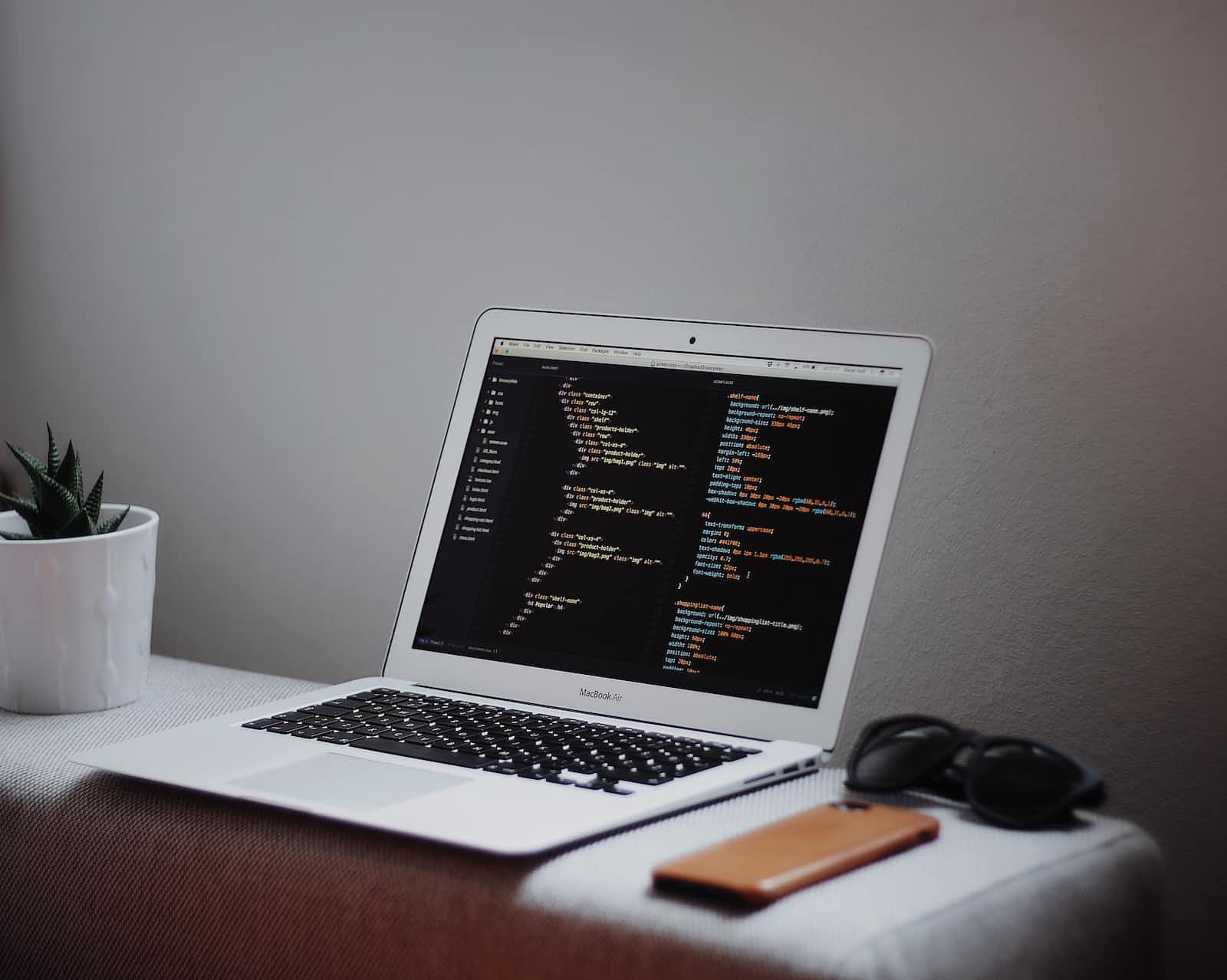
These details cover how to start the interpreter, work interactively, run scripts, handle arguments, and set source code encoding for Python files.
1. Invoking the Python Interpreter:
The Python interpreter is like a command center for running Python code.
On Unix, you start it by typing
python3in the terminal.On Windows, it's often in
C:\Python34. Adding this to your path helps access it globally.To exit, you can type
quit()or use Ctrl-D (Unix) or Ctrl-Z (Windows).
2. Interactive Mode:
The interpreter has a mode where you can type Python commands directly.
It uses prompts;
>>>is the primary prompt and...for continuation lines.You can check if command line editing is supported by typing Ctrl-P. If it beeps, editing is supported.
3. Running Scripts and Modules:
You can run Python scripts using
pythonscript.py.Another method is
python -c commandto execute a command directly.Python modules can be run as scripts with
python -m module.To run a script and enter interactive mode afterward, use
python -iscript.py.
Examples:
python my_script.py
python -c "print('Hello, Python!')"
python -m my_module
python -i my_script.py
4. Argument Passing:
When running a script, any additional information is captured as a list in
sys.argv.Access this list by importing the
sysmodule withimport sys.Interactive mode is when you interact with the interpreter by typing commands in the terminal.
5. Source Code Encoding:
Python source files are by default treated as UTF-8, which allows using characters from various languages.
You can specify a different encoding using
# -*- coding: encoding -*-at the start of the file.
Example:
# -*- coding: cp-1252 -*-
- This is useful if your text editor doesn't support UTF-8 and requires a different encoding.

